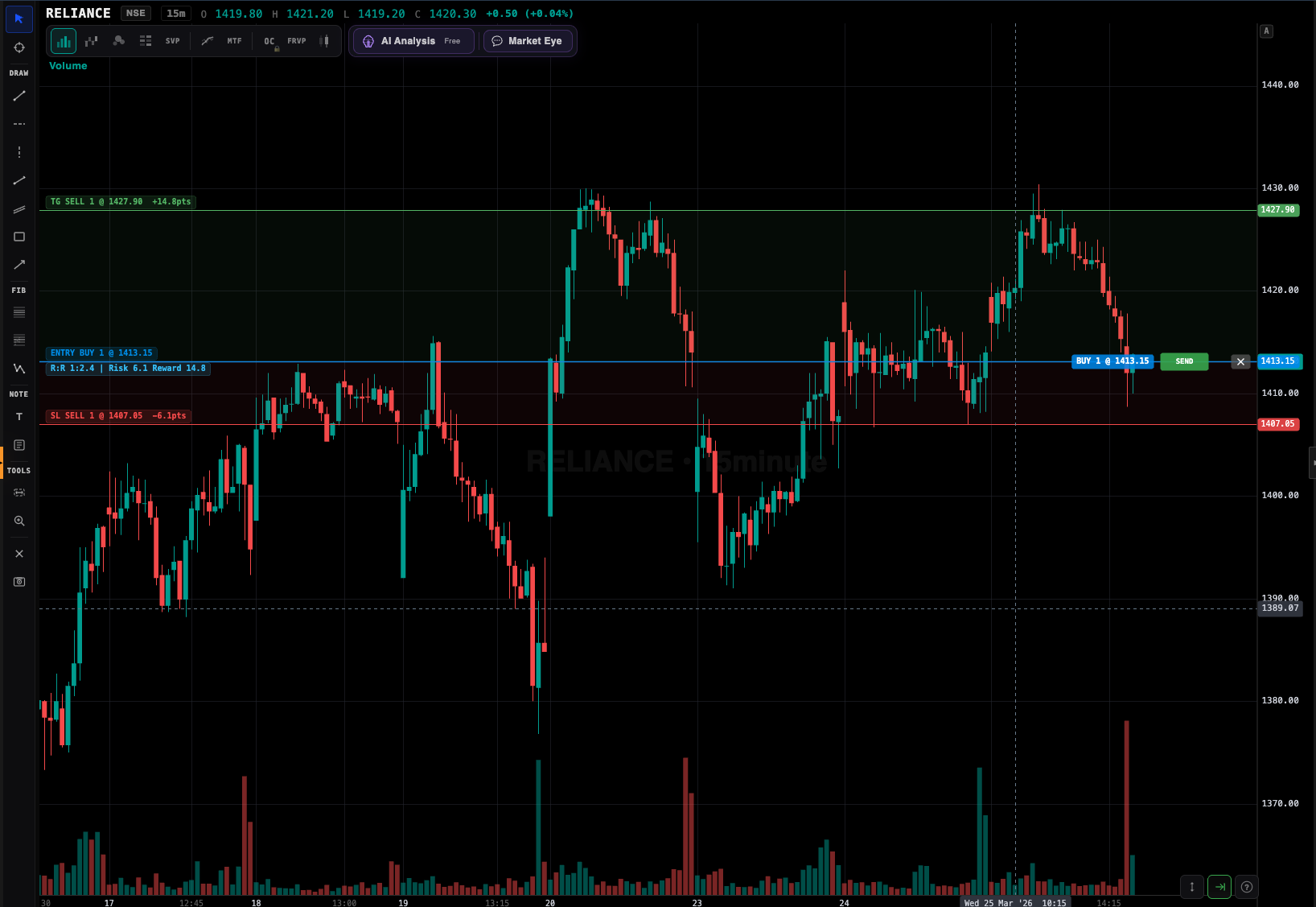
Zerodha Kite doesn't support trailing stops. Cover and Bracket orders were discontinued in 2020. GTTs don't move. VolumeLens adds real automated trailing stops, breakeven locks, and GTT OCO on top of your existing Zerodha account — broker-safe, API-based, runs in the background while you sleep.
Zerodha is an excellent broker with low brokerage and a clean interface. But it has a notable gap for active traders: there is no built-in trailing stop loss. You have GTT orders (Good Till Triggered), but they are fixed. Once placed, they don't move when your position becomes profitable.
This means every Zerodha trader who wants to protect profits has to manually cancel and re-place the GTT multiple times as the trade progresses. That is tedious, error-prone, and impossible if you have a day job. Miss a GTT update and a sudden reversal wipes out half your gains.
Cover Orders and Bracket Orders were discontinued by SEBI in 2020. Since then, Zerodha retail users have had no native way to automate stop protection. VolumeLens fills this gap using the official Kite Connect API — broker-approved, safe, and fully automated.
Sign up for VolumeLens (free), go to Settings, and click "Connect Zerodha". You'll be redirected to Kite's official OAuth page. Approve, and VolumeLens gets permission to place and manage orders on your behalf. Tokens refresh daily — you log in to Kite once each morning, VolumeLens handles the rest.
Place your trade either through VolumeLens (one-click from the scanner or chart) or directly on Kite — either way, VolumeLens syncs the position within seconds. Quantity, entry price, product type (CNC/MIS/NRML) — all auto-detected.

On your position row, click the shield icon. Configure:
The platform places a GTT OCO on your Zerodha account with the right direction (exit = opposite of entry: if you are long, exit is SELL), correct lot size for F&O, and safe trigger prices (SL trigger × 0.9995 for limit if SELL, × 1.0005 if BUY). As price moves in your favour, VolumeLens cancels the old GTT and places a new one at the updated stop — no stop ever goes missing.

The most common method for swing and positional trades. VolumeLens calculates the 14-period ATR on your preferred timeframe (usually daily). The stop trails at a multiple of ATR below the high (for longs) or above the low (for shorts). 2x ATR is standard for medium-term swings, 1x for aggressive intraday, 3x for positional holds.
Simpler. Stop trails at X% below the highest price since entry. Good for beginners and for stocks where ATR is unreliable (low-volume small caps).
The smartest method for trend followers. VolumeLens auto-detects recent swing lows on your timeframe and moves the stop to the most recent swing low as a new one forms. This respects market structure — you only get stopped out on a genuine trend break, not on normal pullback noise.
You can combine. Example: "Start trailing at 1R profit using 2x ATR, move to breakeven at 1.5R, tighten to 1x ATR at 3R". VolumeLens handles the rule engine in the background.
| Day | Price | GTT stop (manual) | VolumeLens trailing stop |
|---|---|---|---|
| Entry | ₹720 | ₹700 (fixed) | ₹700 (2x ATR) |
| Day 3 | ₹745 | ₹700 (forgot to update) | ₹720 (trailed to breakeven) |
| Day 7 | ₹780 | ₹700 | ₹755 (trailing with new swing) |
| Day 10 | ₹810 | ₹700 | ₹785 |
| Day 12 — reversal | ₹780 | Position still open, ₹60 below peak | Exited at ₹785 = +₹65/share |
Difference on 100 shares: ₹6,500 protected by VolumeLens that would have been given back to the market by a static GTT. Now multiply that across 10+ positions a month.
Trailing stops on NFO futures and options are supported with correct lot-size handling. For options specifically, trailing is applied to the option price (not the underlying) — which is what you want for managing premium decay and volatility crush.
Example: long 1 lot BANKNIFTY 48500 CE bought at ₹240. You set a 15% trailing stop. The stop initially sits at ₹204 (trigger) and moves up as the option appreciates. If BANKNIFTY surges and the CE hits ₹340, VolumeLens has already trailed the stop to ₹289, locking in ₹49 × lot size of protected profit.
If you use Groww instead of Zerodha, the same trailing engine works via Groww's API. Same UX. Same safety. Fewer instruments supported on Groww's side but all the essentials are there.
No. Zerodha Kite supports only fixed GTT stop-loss orders that don't move with price. Cover and Bracket orders were discontinued in 2020 after SEBI changes. VolumeLens fills this gap using the official Kite Connect API.
Via Kite Connect — Zerodha's own developer API. VolumeLens monitors your position's live price and updates the GTT trigger price as price moves in your favour. The GTT always lives on Zerodha's servers.
Yes. Because the GTT lives on Zerodha, even if VolumeLens is unreachable, your most recent stop is still active. Only the next trail update requires the platform to be online — and retry logic handles transient issues.
ATR-based (1x to 3x), percentage-based (1% to 20%), swing-low based (auto-detected), or custom combinations with breakeven locks.
Yes. Full NFO support including correct lot sizes. Options trailing uses the option price (not underlying) for accurate premium-based stops.
One-Cancels-Other. A single GTT holding both a stop-loss and a target — when one triggers, the other automatically cancels so you can't accidentally have both fire.
Trailing is included in the standard plan. No per-trail fees. The only paid features are advanced analysis (AI Mentor, deep research) using coins.
Yes. Unlimited concurrent positions with individual trailing rules each. Portfolio view shows all active trails and current trigger prices.
Set the trail once. Go to work. Let the platform protect your profits.